Adding a personal-page link to a biography does not automatically tell visitors what to do next. A short review before sharing can help a first-time reader understand your interests and find an appropriate way to connect.
Review the public preview
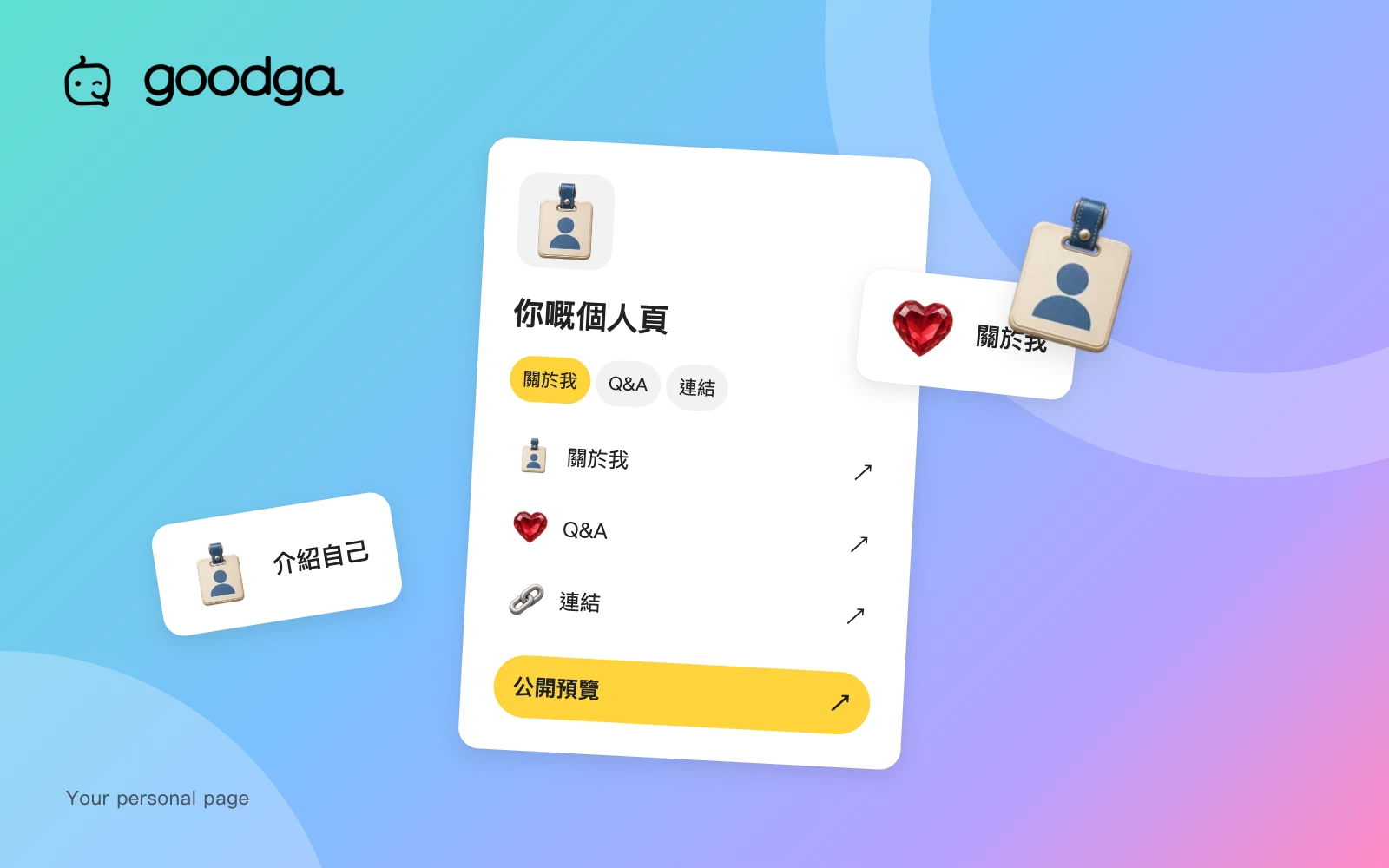
Open your own public preview from your profile. Check the name, introduction, topics, photos, Q&A and links. Information available in an editing screen is not necessarily public; the preview is closer to the presentation visitors will see.
You do not need to fill every section. Keep accurate, useful content and remove expired links or information you no longer want to publish. More material is not always a clearer introduction.
Offer a sensible next step
If you want to discuss an interest, make the relevant content easy to find. If you accept bookings, check the type, description and status of your invitations. If you currently prefer text conversations, avoid suggesting that you are available for meetings at any time.
- Make your introduction clear about what you want to share.
- Keep invitations consistent with the arrangements you can actually offer.
- Give external links names that match their destinations.
Share the public address
Copy the public profile address rather than an editing, account-settings or preview URL. Avoid sharing URLs containing private parameters. Changing a username may affect an existing public address, so check previously shared links after a change.
When adding the link to another platform, use that service's current link field. External interfaces can change, so do not rely on an old screenshot as a permanent set of instructions.
Test from another browsing context
Open the public link in a signed-out browser window to check what a visitor can read. Google sign-in may be restricted inside a social app's built-in browser. A visitor who needs to sign in can follow the platform's prompt to open a system browser.
External previews and search results may take time to update because other services can cache them. Confirm that the page itself is correct before investigating an old preview. Repeatedly changing the URL is not a reliable way to force an immediate refresh elsewhere.
Take the next step
Check your public preview, then copy the link from your public page. The FAQ explains sign-in and platform use. Linked platform pages currently use Traditional Chinese.
Prepared by goodga using the platform’s current features, with practical editorial guidance.