A photograph can help someone understand what you enjoy, but a public profile is different from a private album. Before asking which image looks most attractive, ask whether you are comfortable making everything in it public.
Choose images that add to your words
If you want to discuss reading, making things or another interest, choose relevant images. Every picture does not need to be a portrait. You also do not need to use someone else's work simply to make the page look fuller.
Use only images you have permission to use. Where another person appears, particularly in a private setting, obtain appropriate consent or choose a version that does not include them.
Inspect the background closely
Look beyond the main subject. Letters, house numbers, computer screens, work badges, vehicle plates and location clues can appear in the background. Remove information you do not want to publish or use a different image.
- Check the corners of the frame and reflective surfaces.
- Keep private conversations and internal work documents out of view.
- Do not assume that reducing an image's size makes sensitive details unreadable.
Crop for clarity without changing the story
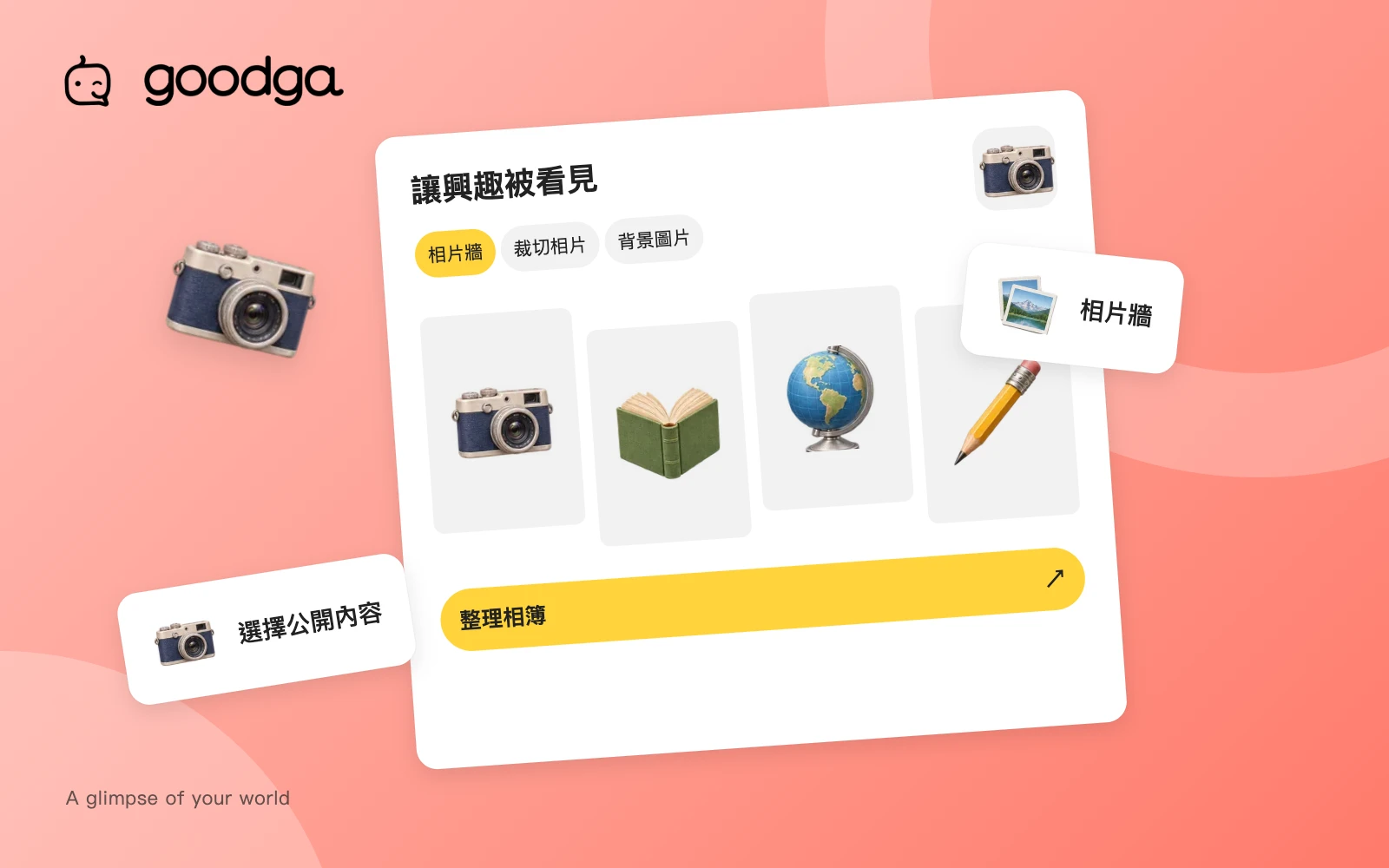
The platform provides cropping when you upload an avatar, gallery image or cover. Drag, zoom and rotate to keep the important part in view. Remember that profile covers and avatars use different shapes and proportions.
Improving composition should not misrepresent what happened. If a picture supports a statement about an activity, work or experience, it should match that statement. Do not present generated imagery as proof of a real visit or event.
Review the page as a visitor
Open the public preview and check the cover, avatar and gallery on a phone-sized screen. Make sure important details have not been cropped away. Consider whether repeated images add anything or whether the presentation could imply a service you do not offer.
Remove a photograph through the management page when you no longer want it displayed. Material that was public may already have been saved elsewhere, which makes the decision before publishing especially useful.
Take the next step
Use photo management, then check the public preview. The privacy policy explains how public information is handled. Linked platform pages currently use Traditional Chinese.
Prepared by goodga using the platform’s current features, with practical editorial guidance.