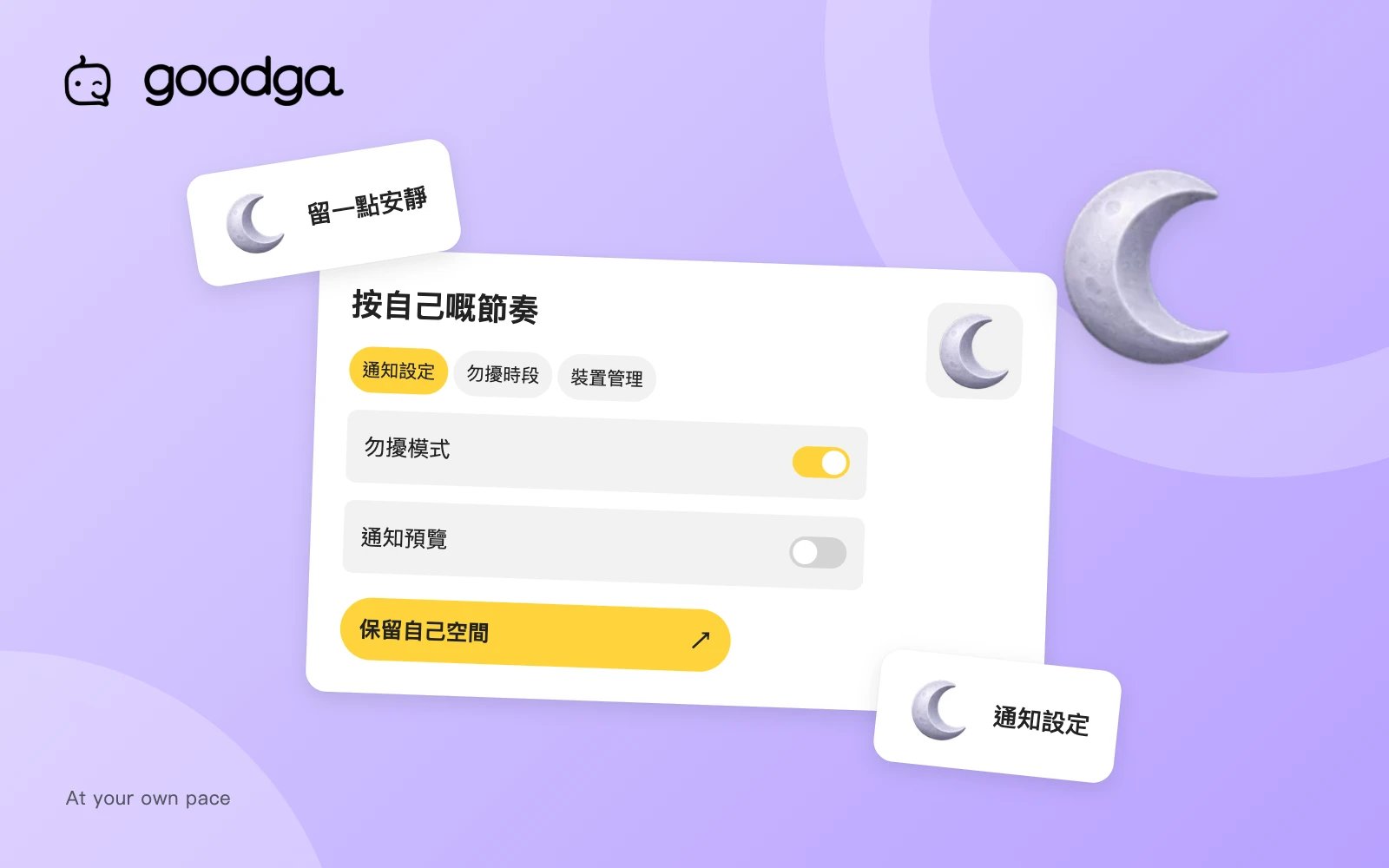
Using a social platform does not require being available at every moment. You can keep useful notifications while reducing interruptions. Understanding the different kinds of alerts makes it easier to choose a setup that fits your routine.
Separate records from alerts
The notification list and unread count are different from device push notifications, email, in-app banners and sounds. Turning off one kind of alert does not necessarily remove the underlying notification record.
Opening the notification page when you have time lets you choose when to respond. A new record does not need to become an immediate interruption or an expectation of an instant answer.
Review notification categories
Check push and email preferences for the available categories, then decide whether to enable content previews and sounds. Preview settings deserve particular attention on shared devices or screens other people can see.
- Keep timely alerts for the categories you actually need.
- Communities have their own notification preferences.
- Browser and operating-system permissions also apply; platform settings do not replace them.
Protect a regular period with quiet hours
Quiet hours use the time zone in your profile. While they are active, new push notifications, notification emails, in-app banners and sounds are suppressed. Notification records and unread counts remain available.
The platform does not resend those skipped alerts when quiet hours end. You can review the notification list when convenient. If you move or spend a long period elsewhere, check your profile city and time zone as well as the quiet-hours schedule.
Review devices that receive alerts
A device is registered for push notifications after you explicitly enable them. When replacing a phone or leaving a shared browser, review the device page and revoke registrations you no longer need.
Background synchronisation does not intentionally re-enable a revoked device. To receive push alerts there again, explicitly enable notifications from that device. For important arrangements, check Bookings or Messages directly rather than relying only on whether a push alert appears.
Take the next step
Open notification settings, configure quiet hours and review notification devices. These platform screens currently use Traditional Chinese and require sign-in where appropriate.
Prepared by goodga using the platform’s current features, with practical editorial guidance.