A first message does not need to be unforgettable. It needs to explain why you are getting in touch, what you would like to discuss and how the other person could respond.
Begin with relevant public information
Read the person's public page or invitation and refer to one relevant topic. A greeting without context makes the recipient do all the work, while a long generic message sent to many people rarely explains a real connection.
Include a little background and one question. If you want a more substantial exchange, check whether the person offers a relevant invitation. A private message should not quietly become a request for someone to complete an entire project for free.
Make the request easy to assess
Say whether you want to exchange experiences, ask for a general direction or learn about an invitation. You do not need to send a phone number, internal work document or identity information at the start. Before sharing an attachment, check that you are entitled and comfortable to share it.
- Keep the message focused on one purpose.
- Leave the other person free to decide whether to respond.
- Avoid promising arrangements or benefits that have not been agreed.
Respect message requests and response times
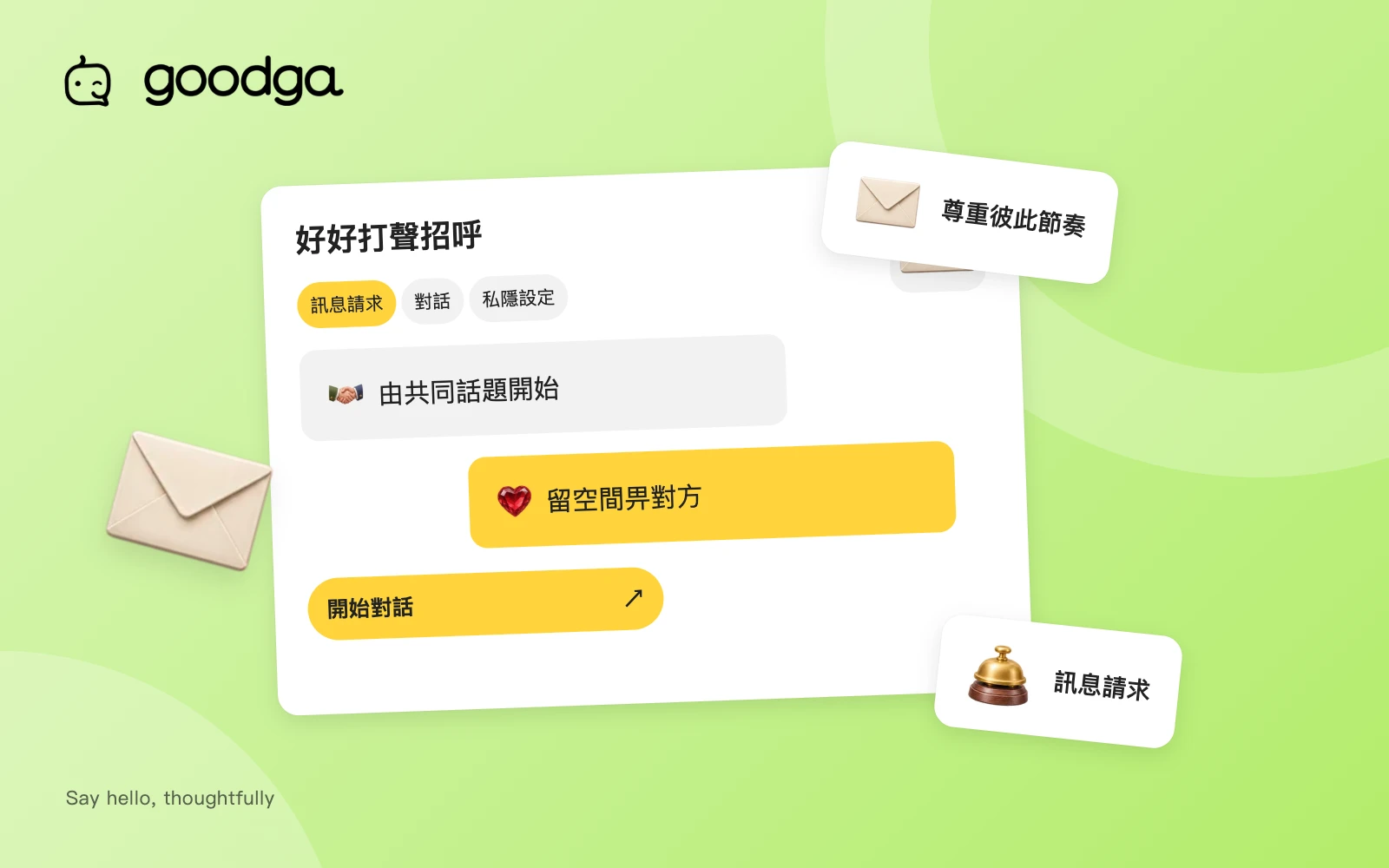
Before the other person replies or accepts, the platform generally allows up to three messages, with an exception for accepted bookings. This is a boundary for unfamiliar contact, not a target to use all three messages.
Read receipts, online visibility and notifications may vary with personal settings. A delayed response does not prove rejection, and it is not a reason to keep pressing for an answer.
Stop when a conversation is unwelcome
If someone says they do not want further contact, stop. If you receive harassment, suspicious requests or inappropriate content, use the available block or report controls. Being polite does not require remaining in a conversation that feels uncomfortable.
Take the next step
Open Messages to manage conversations, or begin with Explore. The safety guide explains further precautions. Linked platform screens currently use Traditional Chinese.
Prepared by goodga using the platform’s current features, with practical editorial guidance.